This article helps you resolve the error message indicating that a profile for your institution could not be located in Respondus LockDown Browser for Chromebook. It explains that the issue usually occurs when the wrong URL is used to log in to your Learning Management System and provides guidance on ensuring the correct URL is used without redirects. Contacting your institution’s help desk and network administrators is recommended for assistance.
Summary: The error "Unfortunately a profile for your institution could not be located" occurs when a student uses an incorrect URL to log in to the Learning Management System, and LockDown Browser for Chromebook requires the exact URL specified in the institution's Respondus server profile without any redirects.
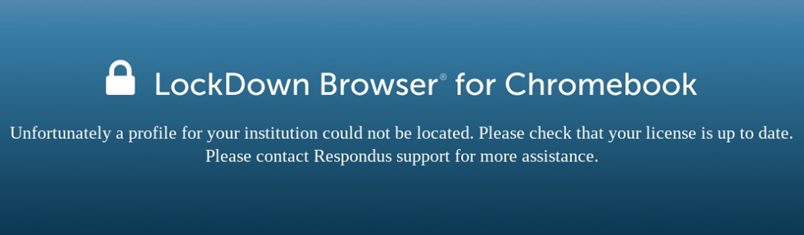
The above error is typically caused by the student using the wrong URL to log in to your Learning Management System. LockDown Browser for Chromebook requires that you use the exact same URL that is specified in your institution's Respondus server profile.
To find out what that URL is, please contact your institution's help desk.
It's also essential that when logging in via that URL, a redirect doesn't occur to a different URL. If so, the error will persist. If you see the URL change to something different in the Chrome browser's URL window, your institution's network administrators will need to look into the matter to see if they can prevent the redirect from occurring. Support for vanity URLs may be added at a future time.
Original source: Unfortunately a profile for your institution could not be located | Respondus-Source-ID: 4409595729179 | Source-Updated: 2021-11-11T17:53:58Z
Comments
0 comments
Please sign in to leave a comment.