This article explains why your institution may not appear in the LockDown Browser iPad app's search window for Schoology. It clarifies that the LockDown Browser iPad app is not designed for direct Schoology login. Instead, students should access Schoology through the mobile Safari app or the Schoology iPad app and then launch the LockDown Browser from the quiz to ensure proper functionality.
Summary: The LockDown Browser iPad app does not support direct login to Schoology, so institutions will not appear in its search window; instead, students must log in via the mobile Safari or Schoology iPad app and then launch LockDown Browser from the quiz.
Schoology sites will not be able to find their institution when using the LockDown Browser iPad app search functionality.
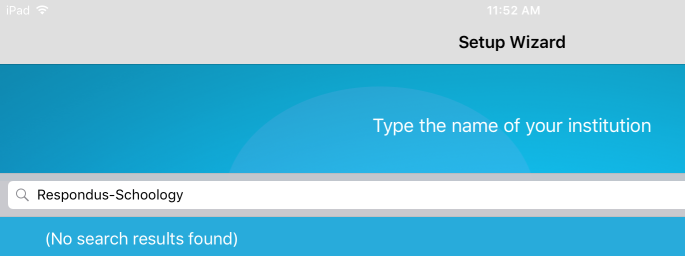
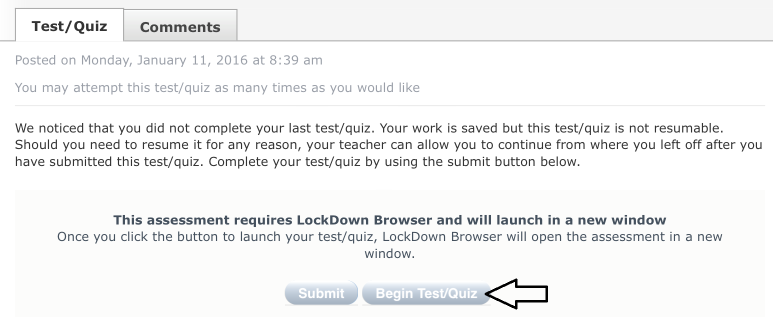
This is because the LockDown Browser iPad app should not be used to log in directly to Schoology. Rather, students should use the mobile Safari app or the Schoology iPad app to log in to Schoology, then launch the LockDown Browser app from the quiz.

Original source: Schoology - Our institution is Not Found in the LockDown Browser iPad "Search" Window | Respondus-Source-ID: 4409604189723 | Source-Updated: 2023-04-12T20:29:42Z
Comments
0 comments
Please sign in to leave a comment.